Showing posts with label behind the scenes. Show all posts

Test pictures

So I've mentioned before that after I create a character, I give them a test run in the sim world to see how well they match up with the character I see in my head. Some come out perfectly the first time, and some I have to edit quite a bit.

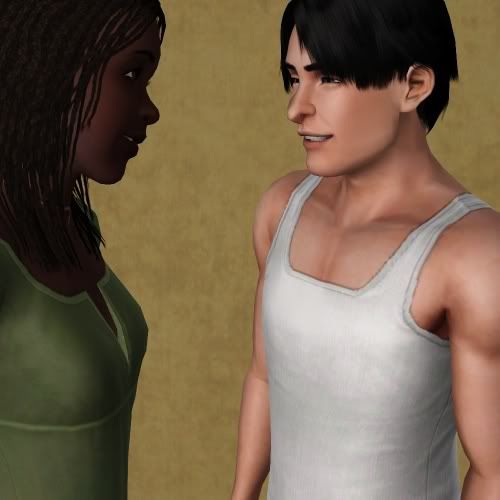
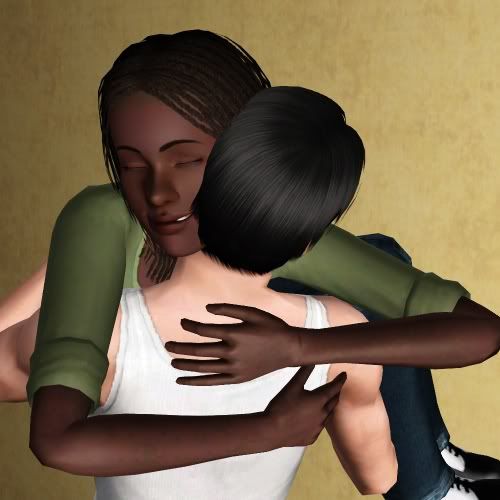
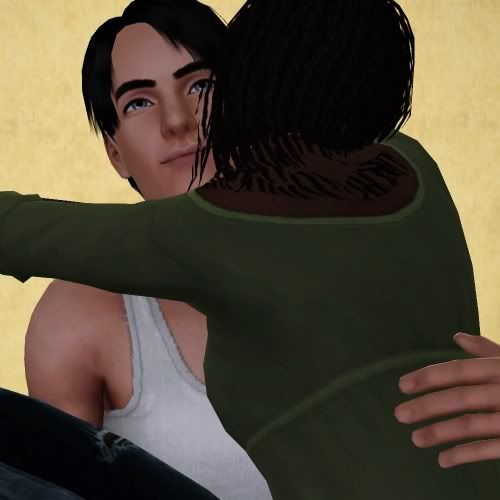
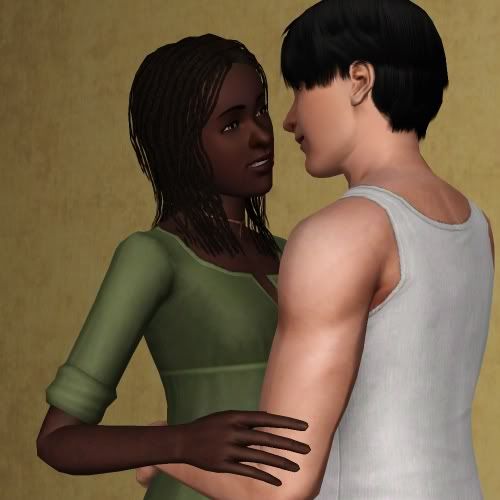
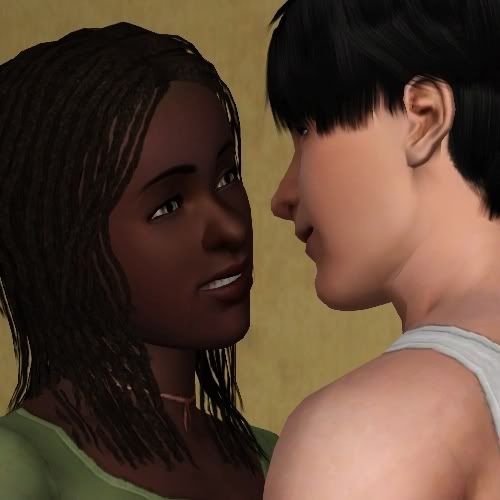
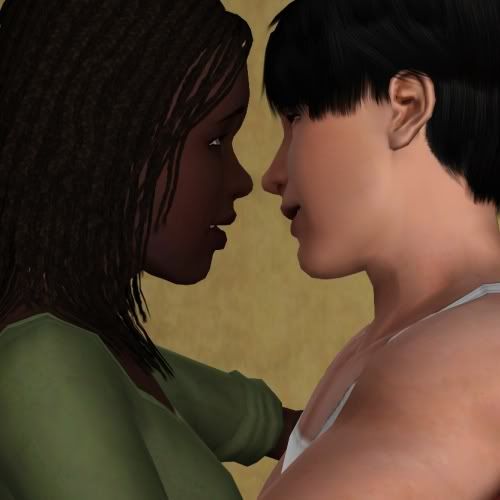
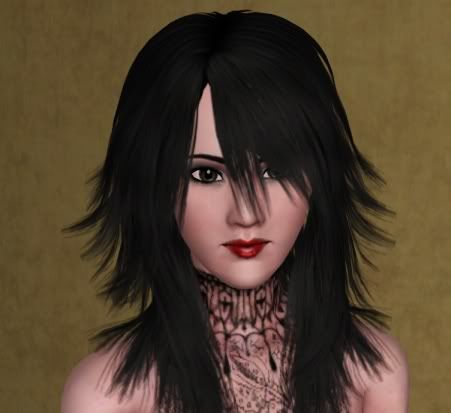
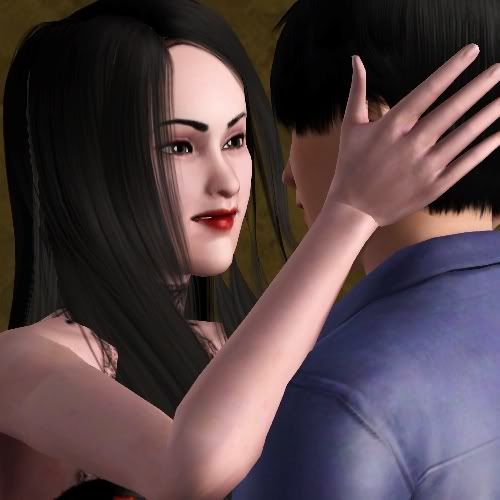
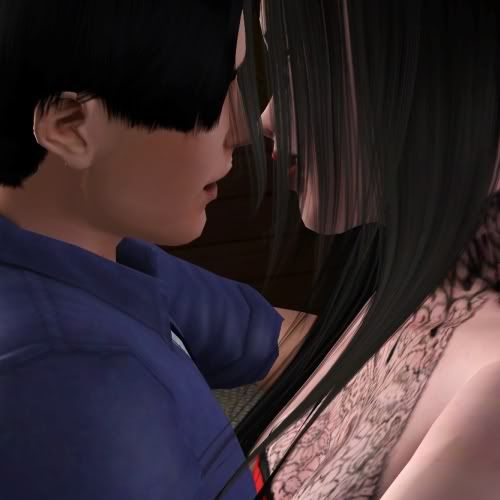
Pat is one of those that came out fully formed, perfectly. While looking for pictures of her body, I ran across the original test shots I ran her through after I made her. These were also Brandon's test shots as an adult.


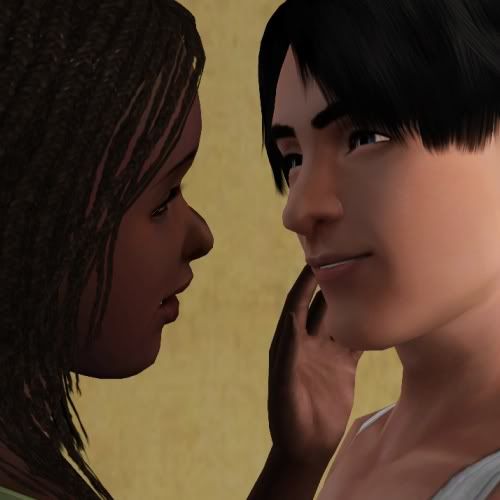
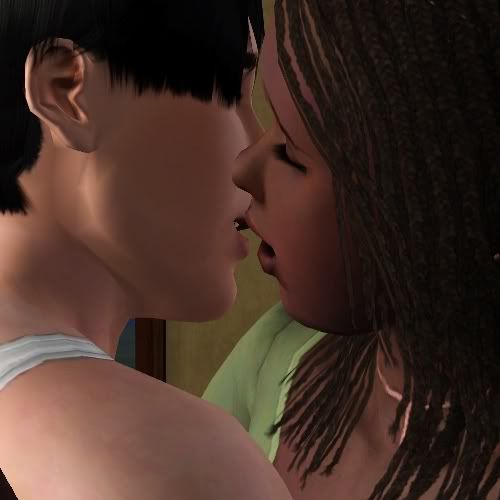
But, of course, it wasn't until these pictures below that I was absolutely SURE I had them down perfectly.


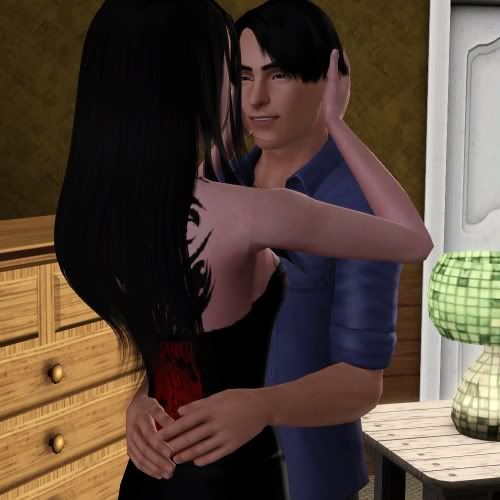
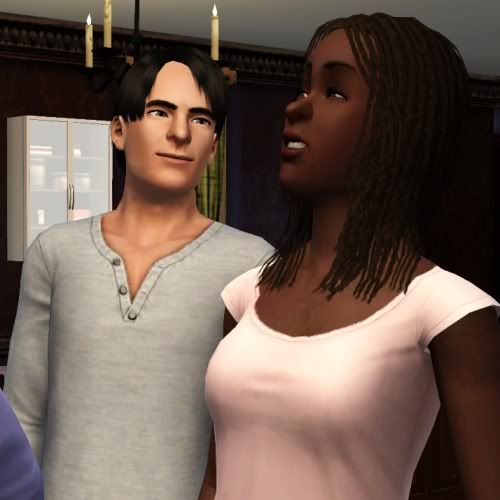
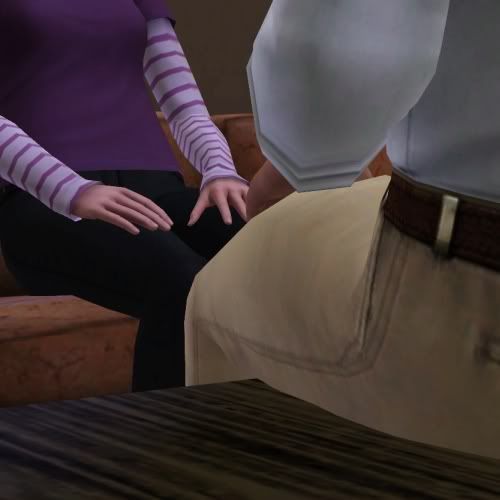
Love LOVE this shot, because it looks like he's trying to cajole her into doing something. I would bet he does this to her from time to time when they're alone, just the two of them. They aren't often alone, not if Pat has her way. But if he stops by when they're cleaning up or closing, I can see Rita (Pat's mom) excusing herself and taking Melissa with her. (I think she'd make it very obvious that she was leaving them alone, and she'd invite Melissa in on this very obvious not so secret secret. I can imagine Melissa giggling about it even if she isn't completely sure what is going on and needs her grandmother to explain it to her which would bring up some awkward questions from Melissa later I'm sure.)


And of course, he wins here. Did she ever really have a chance?


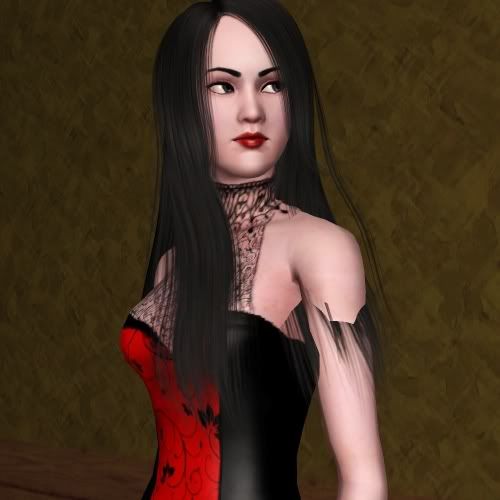
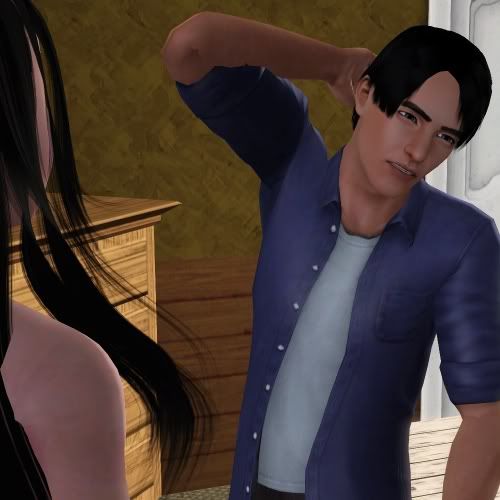
Kyrene was made at the same time, and so Brandon was also used for her test shots.


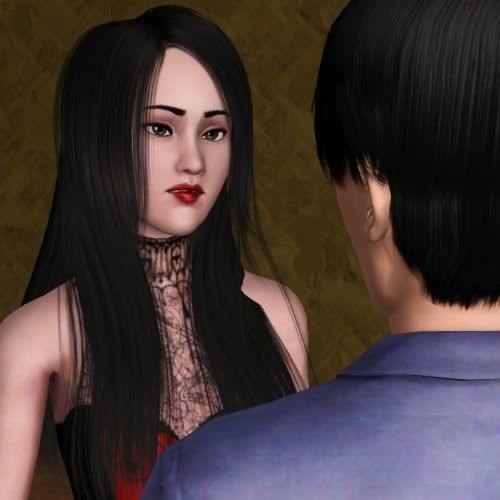
Kyrene's first try. So not her. It was her eyes, so I sent her back to CAS.


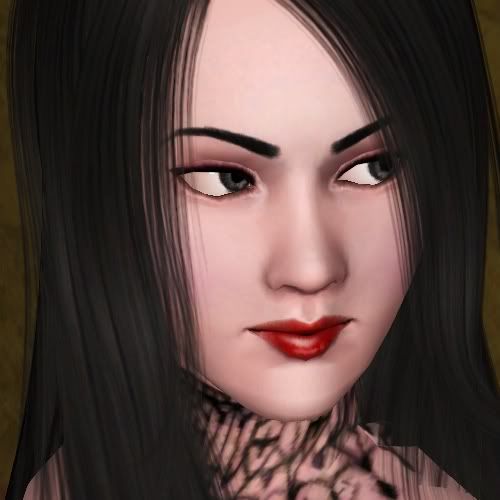
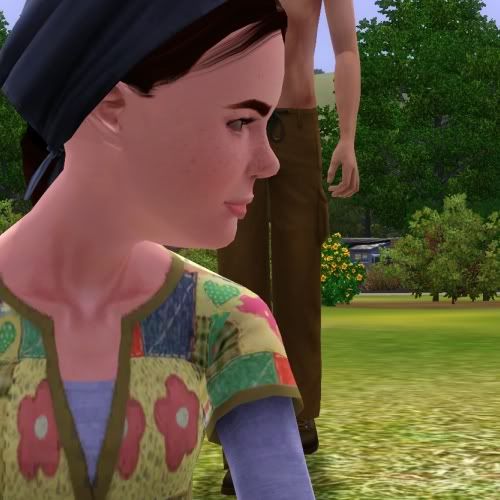
What I love about Kyrene's sim is how expressive her face is. She can look dangerous, sultry, and sad with very little facial movements.

Let's NOT do that again!

But I probably will.

This update probably had the largest cast of characters so far. And by that I mean actual characters I care about, not just background characters.

Maybe this will only be amusing to me, but what the heck. More behind the scenes fun so you can see what I put up with when working with these sims. Sometimes it's very much like working with my cats.

So these shots are actually before Chapter 22. I moved all the sims I would need to a special lot, and then had to wait. The sun was setting, and there's no way to turn back time in game or set the hour (unless that's a feature of one of my hacks that I don't know about which is possible).

With a lot of time on their hands and all needs static, these are the tales of the sims behind the stories.


Let's start with these two. I left them alone, and they were the ones that started everything. They were flirting up a storm, and no one had any objections to it. Luckily. I just knew that things were out of control when these two started up.

I hoped around watching the others for a bit. Angel and Mitchell were chatting around back. These two are always drawn to each other. If there's a group of sims, I am sure to find these two near each other.


And just because we never get enough Angel:


Also around back, Maria and Paula were chatting when Maria stopped to do something that confounded Paula.


From this angle, it's still not clear. (Kidding of course. It's actually the start of the martial arts idle. I just love Paula's face and thought bubble, and the way Maria looks like she's guarding something precious.)


The brothers were having one of their normal conversations.


It may look like Brandon's calling Jimmy a blockhead, but he's actually telling his brother that he's upset and that's how he made him feel. Because Jimmy was insulting him again.

Meanwhile these two were still at it:


Get a room!


I then had the boys spar for the fun of it.


Henri happened past. (He's still at the normal apartment lot that Paula's always on.) He didn't look impressed. Perhaps he'd have some tips to share if he wasn't standing on the other side of the fence?


Paula was also watching. I think she was a little concerned because Brandon got his butt beat.


I guess she was cheering kinda loud, because Jimmy came over to have a talk with her.


She looks a tad worried. But as they talk, she finds he isn't all that bad.


And it even ends in smiles.


And then Jimmy calls her a yeti. (Or maybe her mother or her mother's family. It's all the same to him.)


How hurt does she look? Nice Jimmy! (But is it bad that her hurt face makes me laugh? She's so cute. She's like, "A yeti? I'd never say anything like that to you.")

Morning FINALLY came, and I needed to make sure that these silly sims would stay out of the shots I needed for the first chapter.


THAT is how you corral some sims.

So remember how Alex tackled Paula?


Yeah, that was a romantic move. I was very surprised that it worked. Sometimes my teens and adults refuse to play along and humor me even after I tell them that it's going to be completely innocent. But these two were all game for it. I don't think Paula could say yes fast enough.


Well, there was someone who didn't like this obvious mischief between an adult and a teen. Thanks to Awesome Mod, Alex actually got arrested. I had to reset sim to get him back for the next update.


And I will leave you with a randomly snapped picture from the most recent update.


These were just random idles, but I'm sure that Paula's just made a joke that Alex couldn't get and she finds rather funny. I would guess this happens a lot, but there's still a charm to it. They're each in (and from) their own worlds, and somehow it still feels like it works for them even if Paula has to try and explain her jokes (which never works out very well).

Sims as a storytelling tool 2: Where do they all go?

Laura brought this up, and it's a good question. Basically, she wanted to know how I wrangle in the cast of characters I've got. Since she's not a TS3 player yet, this will be semi-heavy on the TS3 explaining.

First off, this happens to be the main benefit to using TS3 versus TS2 for storytelling. From my studies, you can pretty much do anything you want to your sims without anything really horrible happening. The reseting tricks are a bit different (like you do not want to use move objects and delete your sims), but really, they're more like dolls and it's really easy to move them around and do things that in TS2 are HUUUUUGE no-nos.

That took me a while to get used to, and then I started experimenting.


With Sims 3, you don't get different neighborhoods, you get different save game files. It's like the old school RPGs where you'd do a save as and be able to save games in different save states in different slots.

I'm thinking like Monkey Island and King's Quest type games. Remember how you'd make extra saves just in case you needed to go back or you got stuck and realized you needed something? TS3 is actually the same.
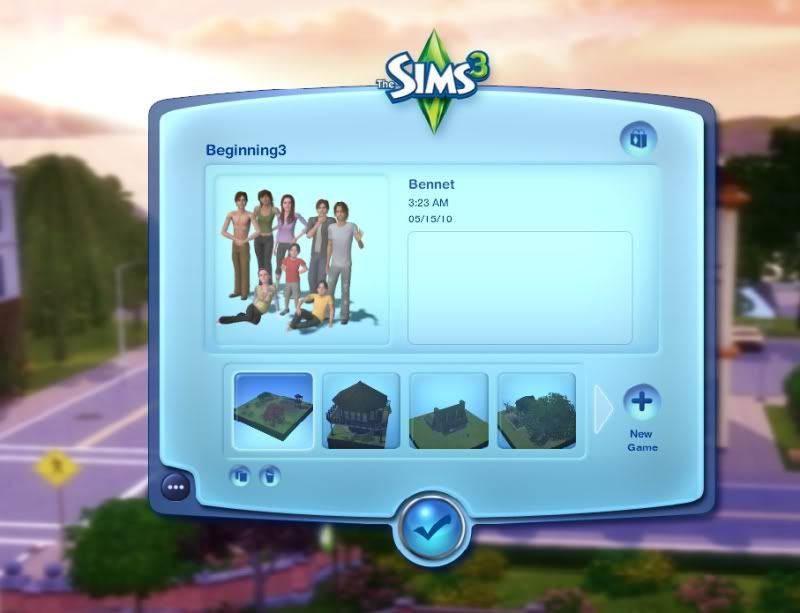

When I first load up the game, this is what I see. It's a listing of all the save games I've got. There's a lot more than four, you just have to hit the arrow. The description box would be filled if I had a description for the house lot. If I were smart I'd do that rather than rely on my memory.

"Beginning 3" got it's name because there was Beginning 1 and Beginning 2 which have since been deleted. Basically, when I made some drastic changes, rather than deleting the save file, I made a new one so I could go back. (From memory, Beginning 1 was the file I used to try and make the video. The sims were set up in a way I was sure I would have to revisit.)

Notice Mary is older. This was the file I most recently used. Also, it's the one where I have Paula from her story living.


Another save file, notice Mary is younger here. This one I did some drastic changes to the street because I took a lot of shots above ground and didn't want it to be obvious she is on the exact same street Paula lives on. Also, I had to move Paula's home lot so an Older Brandon and Jimmy wouldn't appear in the background of shots.


Hopefully that makes sense if you're not a TS3 player. Each game can be the same world in a different state of play or it can be a completely different world.
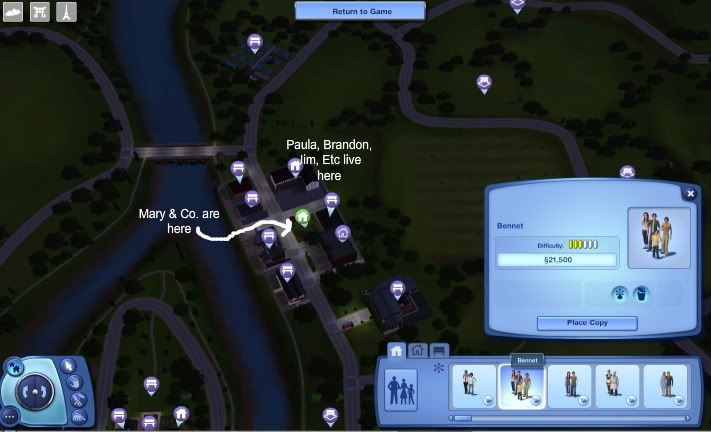

Once I get in the game, this is what it looks like from overhead. I started Ruin and Paula's story before there was the World builder. So I had to try and make it look like a different place from the street view. I try very hard to hide the fact that they're right next to the river.

Paula, Brandon, Jimmy, Angel and Mitchell, Henri, and a bunch of other characters actually live in that large building at the top of the street. Awesomemod makes it so that you can have more than 8 sims in the household.

Mary lives on the lot right now that's just a park. It's easy to package up lots with sims in it. Since they don't have memories, there are no complications with it. You can package them up for use later if you think it might be necessary.

This picture also shows you the old sim bin, now called the "library." I keep sims I've created there also in case I need them elsewhere. I've been in another save file and found myself going, "Dang, I need the teen Brandon, but I don't want to re-create because I fear inconsistencies. *looks through bin* There he is, just like I left him."
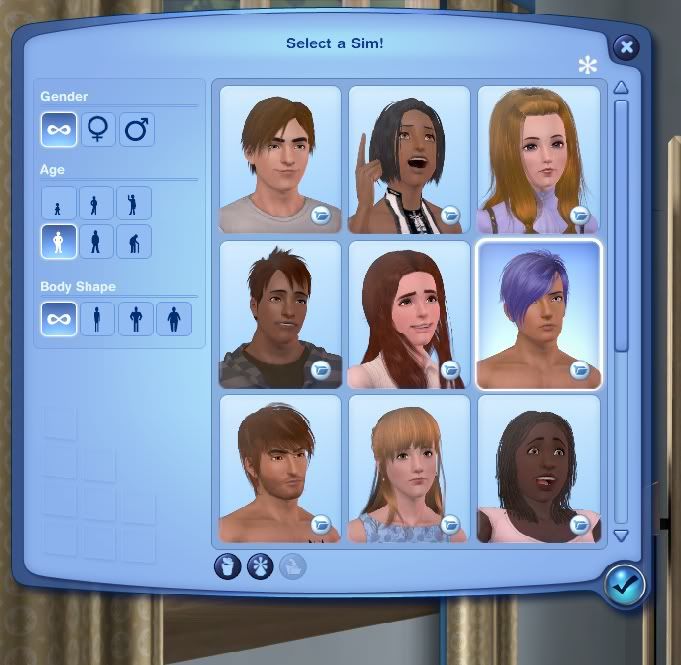

Here's another important tool. Inside CAS, there's the old premade sim bin. The difference is that these pre-made sims are created in CAS, then saved to the bin for use or editing later on. When I load them up in CAS, all their details are saved like their personality traits, their favorite foods and their bios even.

These work also as extra backups. When I go into my document folders, there's a saved sim folder where you will find all these guys listed by first and last names.
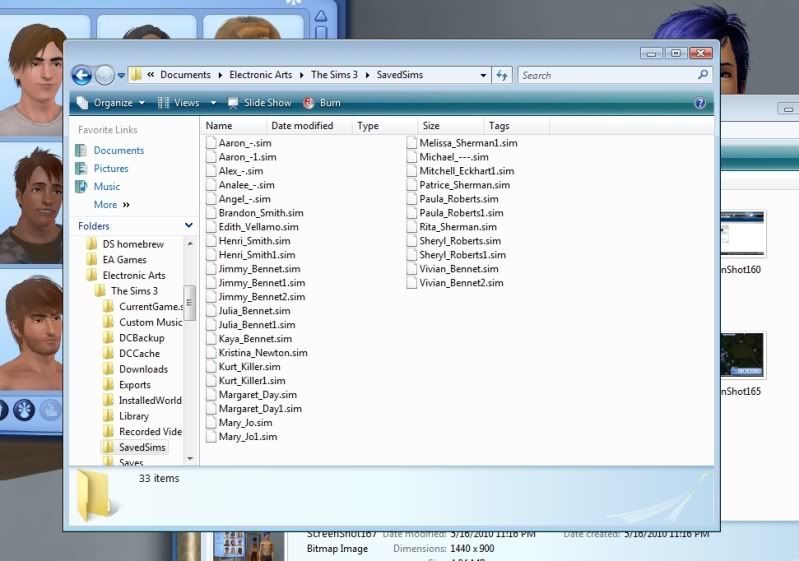

Very handy. So I back this folder up pretty regularly because for me, the faces are more important than the lots really.


As far as the other details like aging and all that-- they don't really age that quickly. I do forget to turn off aging all the time because I have been playing quite a bit lately.

Each time I update, they might loose a day of their lives. Maybe. Usually, I save at a particular time of day and then when I'm done, unless there was something that was difficult to set up, I don't bother saving.

Plus, I bounce around a lot from one save file to the next.

Since the world I'm using is so large, I rarely ever run across any other sims unless I summon them in. But I will say Michael, Edith, Gina and the rest do live here, so I get notifications about them from my story progression mod. Like Michael's hit level 1 in gardening. I think it's sweet he's taking an interest in Edy's hobbies :)

And somewhere in the world, Cheryl lives. She's in the military track in one of these save game files and doing pretty well!
Sims 3 as a story telling tool.

Okay, so I had an entry I started with the hopes of sharing some tips or something, but it really became me just blathering on.

So here's version 2.0, improved and with hopefully less blather!

I've been using Sims 3 as a story telling vehicle for about six months now. I don't even play the game still.

So here is the trick: When I go in to take pictures, I go in with a loose idea of what I hope to accomplish. That's it. I have my sims run through a scenario, and I just take pictures, pausing and looking at various angles. I keep open the screen shot folder and peek at what I've taken to be sure that it will work.


So then a couple of weeks ago, I mentioned on twitter that I had a very awesome sim shoot. Yup, the pics for the most recent entry were taken a month ago. I'm not usually that on it, but sometimes I get on a kick and have to play out scenes.

And this is what came out of that:


Is there anyone out there wondering how I did that? Anyone?

Well too bad, you're going to hear it anyway!

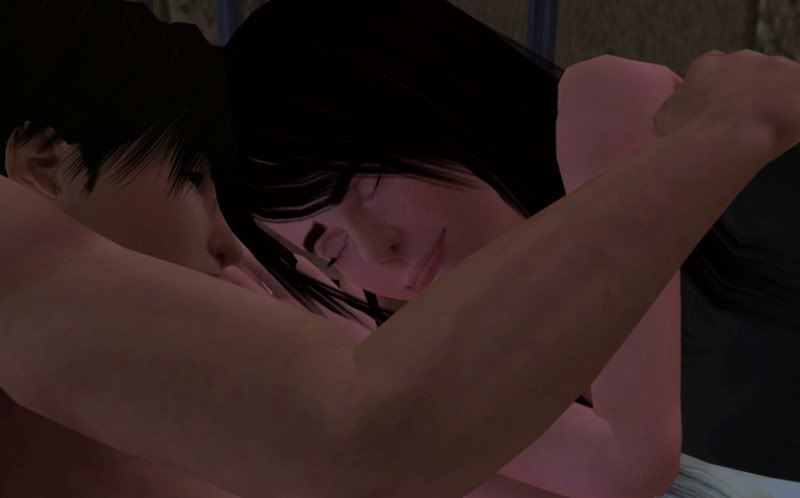
This is an idea I had for a very long time. Basically, I just pushed two beds together using the move objects cheat. The sims will stay with the object if you move the whole thing. So I had Jimmy relax on his bed and then moved it.

The next step was actually from something I noticed before. Remember that shot of Edith rolling over looking mad? I realized that sims actually move from a relaxed position to a nap position. So I told Jimmy to nap.

The rest was all luck. Mary happened to be facing away from the wall. I told Jimmy to nap, and he happened to turn towards the wall. What the hell made them turn in the right directions? Was it where I probably subconsciously clicked? Was it right and left handedness on their parts? I don't know, but it worked.

And in the end I came away super happy.


A lot of old tricks still work. There are no invisible bar stool recolors yet, but they aren't really needed since you can recolor the cushions to match and take shots from interesting angles. Bar stools are level with arms of sofas and beds.

Also, I downloaded a chair that has no back so that I can have sims sit closer on the couch so it looks more natural. (That would be Old Sam's Comfort Chair from La Luna Rossa.) This is also handy for sitting on coffee tables.

You can get sims to sit on the ground by using the picnic basket and having sims sit on it. Then you actually move the sims. They'll usually turn towards each other and continue chatting or whatever you were having them do. And you can pause and have them look around by moving their target. (Like in this shot. I just moved Brandon who is the person she's actually looking at.)

And my last trick... a lot of shots I get just having sims talk and then moving them around when they make a move that I can see working in another fashion. This is actually a trick I picked up from Laura of Lakeside Heights.

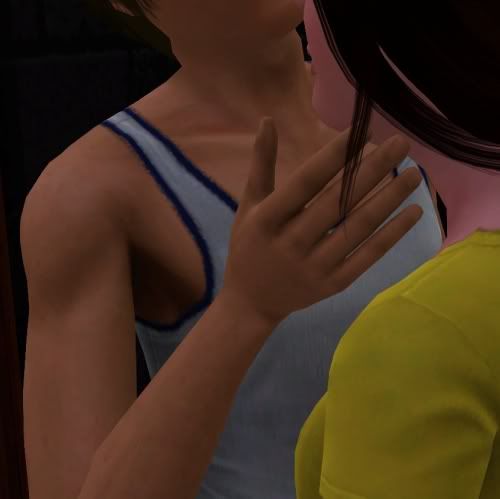
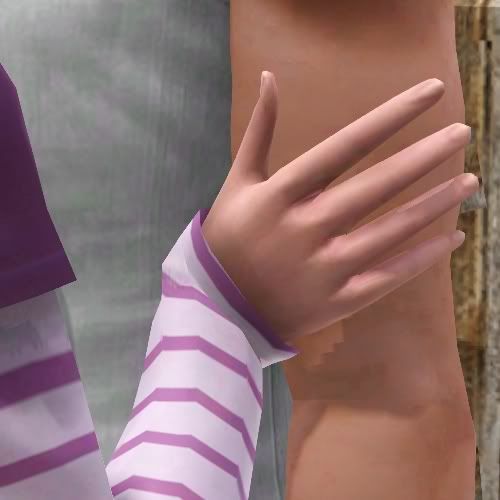
All of the following shots are just sims chatting, and I moved them.